Struggling to understand how workflows work in OpenFn? This tutorial is for you.
We know that getting started with workflow automation can feel overwhelming—especially when you’re staring at a blank canvas. That’s why we’ve built a library of workflow templates to help you hit the ground running.
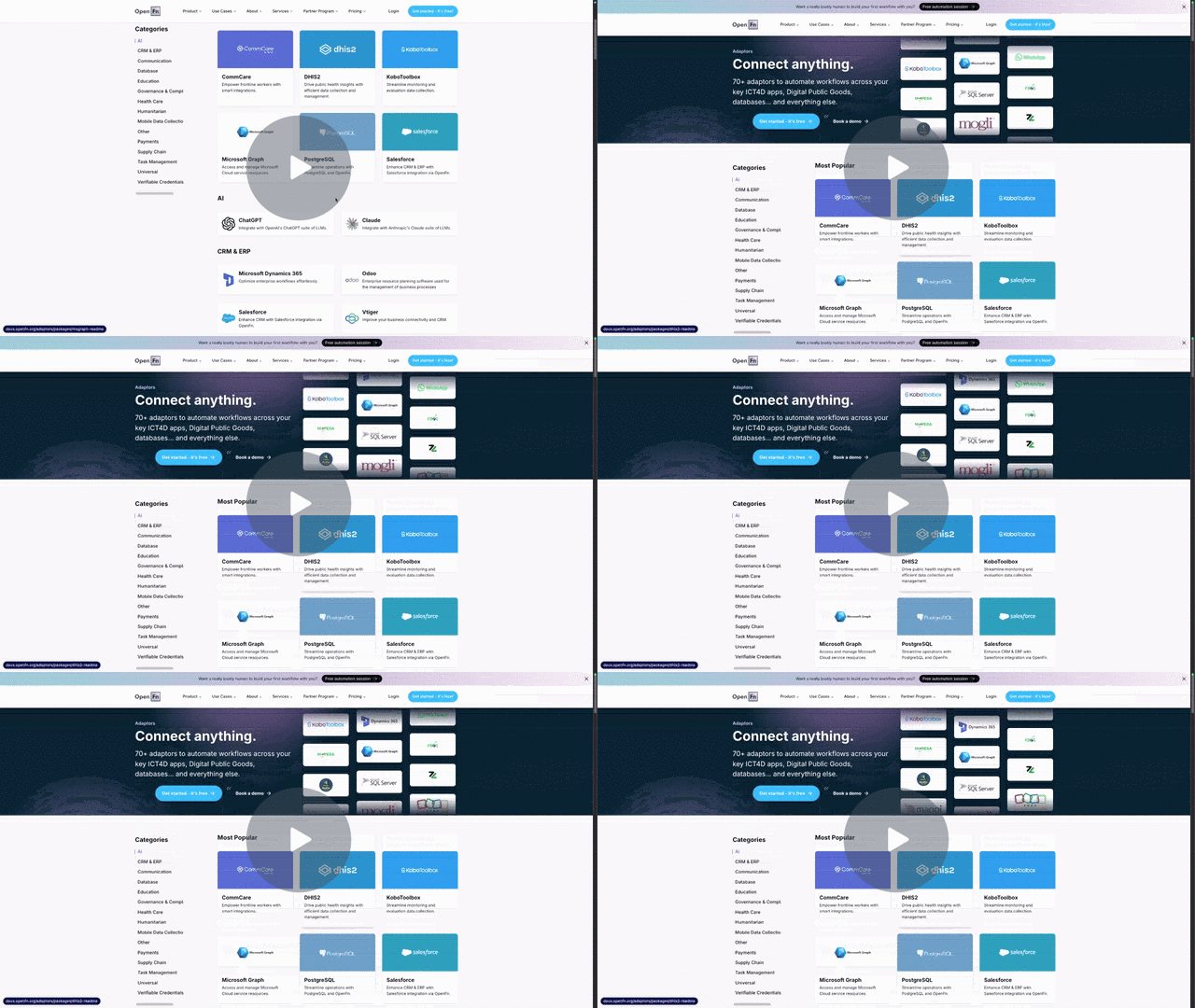
What you’ll learn in this video:
In this quick tutorial, @mtuchi walks you through:
- How to access and browse workflow templates from your project dashboard
- Searching templates by use case (payments, AI, trackers, and more)
- Understanding the workflow canvas and how nodes connect
- Exploring the pre-built code with helpful inline comments
Why use templates?
Templates aren’t just starting points—they’re working examples that show you how to structure operations, connect to different systems, and build workflows that solve real problems. Whether you’re integrating MTN MoMo payments, syncing case management data, or building AI-powered automations, there’s likely a template to help you get started faster.
Each template includes:
- Clear descriptions of what the workflow does
- Pre-configured nodes and connections
- Commented code explaining each operation
- Real-world use case patterns
Try it yourself: Head to your OpenFn Lightning project, click “Create new workflow,” and explore the template library.